A YouTube video downloader app is installed on a device; an online tool normally runs in a browser. Both can start with a copied link, but the practical differences appear when you check supported sources, account requirements, the way files are saved and the cost of repeated use. If you only want offline playback inside YouTube, the official YouTube app has a different workflow from creating a local file. Choose the outcome first, then compare the method.
This guide compares the decisions to make before installing software or using a website. It does not claim to have tested every app or promise that a given video will be available. For this site, start with the YT Video Downloader and check the currently displayed access options before preparing a supported link.
Start with the result you need
Ask whether you need offline viewing inside a service, a local file for a project, or a file that opens in a specific player. These are different outcomes. YouTube describes offline viewing through its app and, for eligible Premium users, through supported desktop browsers. Availability and reconnection requirements vary by location and content. See YouTube's offline viewing instructions rather than assuming an offline item is an MP4 you can move to another folder.
A separate downloader may offer a locally saved file, but check the available output rather than assuming every format is supported. On this site, the video and MP3 tools are separate workflows. An individual source can still be unavailable or fail to prepare. The safest comparison is based on the task you actually have: source link, output type, device and where the finished file needs to live.
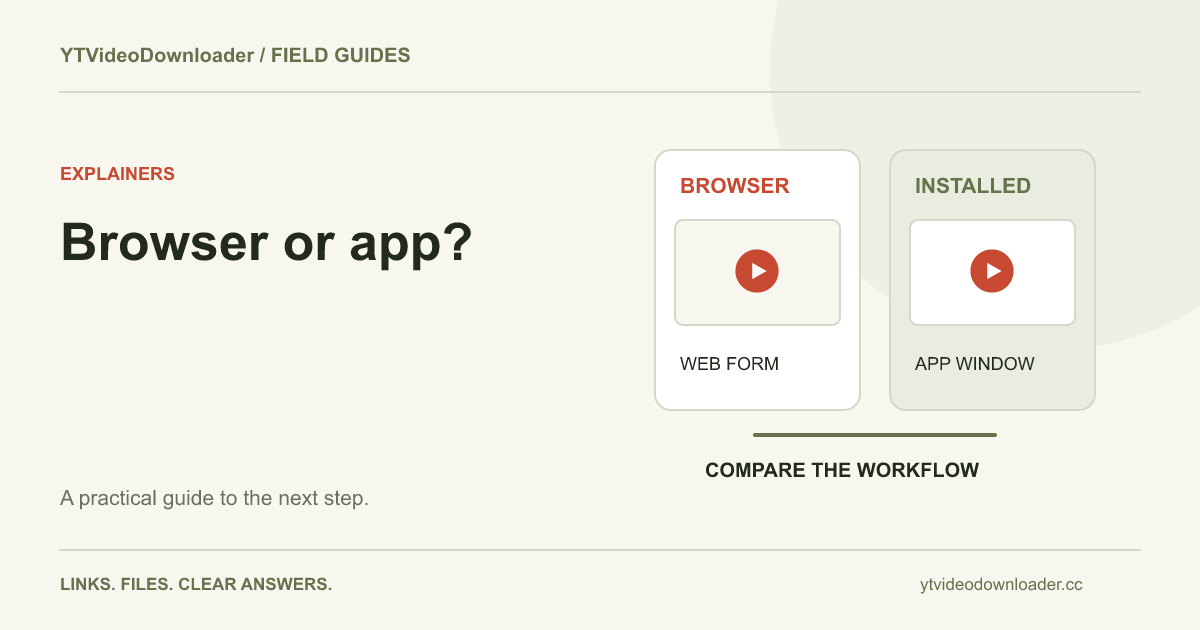
Browser tool versus installed application
An online YouTube video downloader application works through a browser page. Open the tool, supply an individual video address and follow the displayed steps. You do not need to install a separate downloader application to reach the form. However, browser delivery still depends on a working network connection and on the service being able to process that particular source.
An installed app adds a program to the device and may offer a different interface, local settings or a dedicated download list. Installation alone does not prove that it accepts YouTube links, offers a particular resolution, works without an account or has no additional fees. Check the publisher's current product information and the actual output options. An application may also require updates when a website or operating system changes.
If you use different devices, a browser workflow can make it easy to return to the same site without installing the same program everywhere. An app may be convenient when you prefer its local interface. Neither approach is automatically faster or more reliable: compare what happens from submission through the completed file, not only how quickly the first button responds.
Check support before installing or signing in
Read what the tool accepts. A video watch URL, a shortened sharing URL and a Shorts URL identify individual content in different ways. A playlist, channel page, private video or restricted video may have different requirements. The copy-link guide explains how to identify the individual video address. Paste the actual link, not a search query or channel title, into a field intended for a URL.
Check output as well as input. A video file and an audio-only file serve different purposes. MP4 describes a container, not a guarantee of a particular codec or resolution. The site's YouTube to MP4 page and MP3 tool describe the available workflows. Do not assume that an online video downloader offers WAV, playlists, 4K or cropping merely because another product advertises them.
If a service asks for permissions that appear unrelated to the action, understand why before continuing. Check the publisher, distribution source and update information of any program you are considering. Avoid treating a familiar-looking download button or a search result as proof that the software is the product you intended to install. Product pages and conditions can change, so look at current information rather than relying on an old screenshot.
Compare free access and account conditions
Searches for free apps to download YouTube videos can return products with very different definitions of free. One product may offer a limited trial, another may provide a basic feature without payment, while another may show a free installation followed by a paid feature. Compare the actual task you need, including whether sign-in is required, what counts as a completed preparation and whether the output you need is included.
For YTVideoDownloader, use the same Google account when you need access to its account and purchases. Availability of free access can change; the account and pricing page show the current options. Review any renewal terms before purchasing a subscription. Do not infer that installing an app or opening a site gives unlimited processing, and do not assume that a free label describes every format or device.
A useful comparison records four facts: the price displayed now, what the purchase includes, whether it renews, and how you can find your account or receipt. Check the billing screen before confirming payment. For occasional use, compare the actual number of files you expect to prepare with the available access, rather than choosing solely by the largest advertised allowance.
Save and locate a file on Android or iPhone
On Android, a browser's completed downloads can be checked in its download list and in the device's file manager. Google explains how to find and manage downloads in Chrome for Android. The exact view may differ by browser and device. A file appearing in a browser list is not necessarily displayed immediately in a gallery app; open the file location and confirm the transfer completed.
On iPhone, Apple directs users to the Files app and its Downloads folder, with Safari's download control offering another route to recent downloads. See Apple's download location instructions. The chosen Safari download location can affect where the file appears. If the file is not visible in Photos, first find the completed download in Files and inspect the available sharing or saving actions on that device.
These steps are based on the linked platform instructions, not a new physical-device test. Interface labels can change between versions. If the file is missing, check whether the browser download was interrupted, whether sufficient storage is available and whether you are looking at the correct folder before submitting another processing task. The download locations guide covers additional checks.
A practical online workflow from copied link to local file
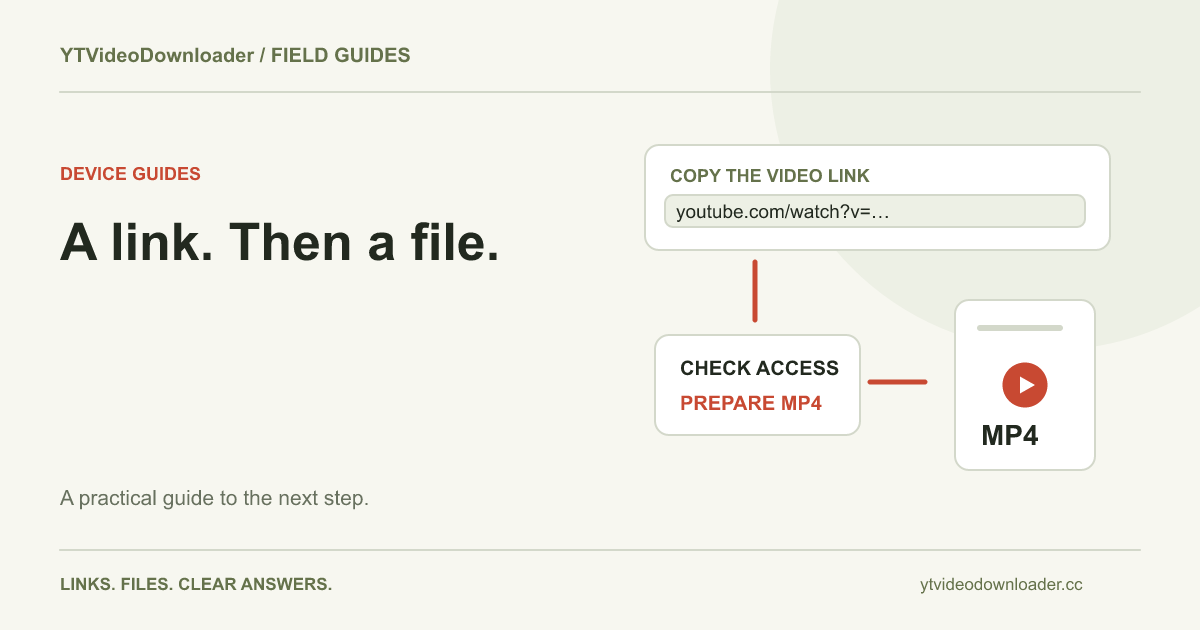
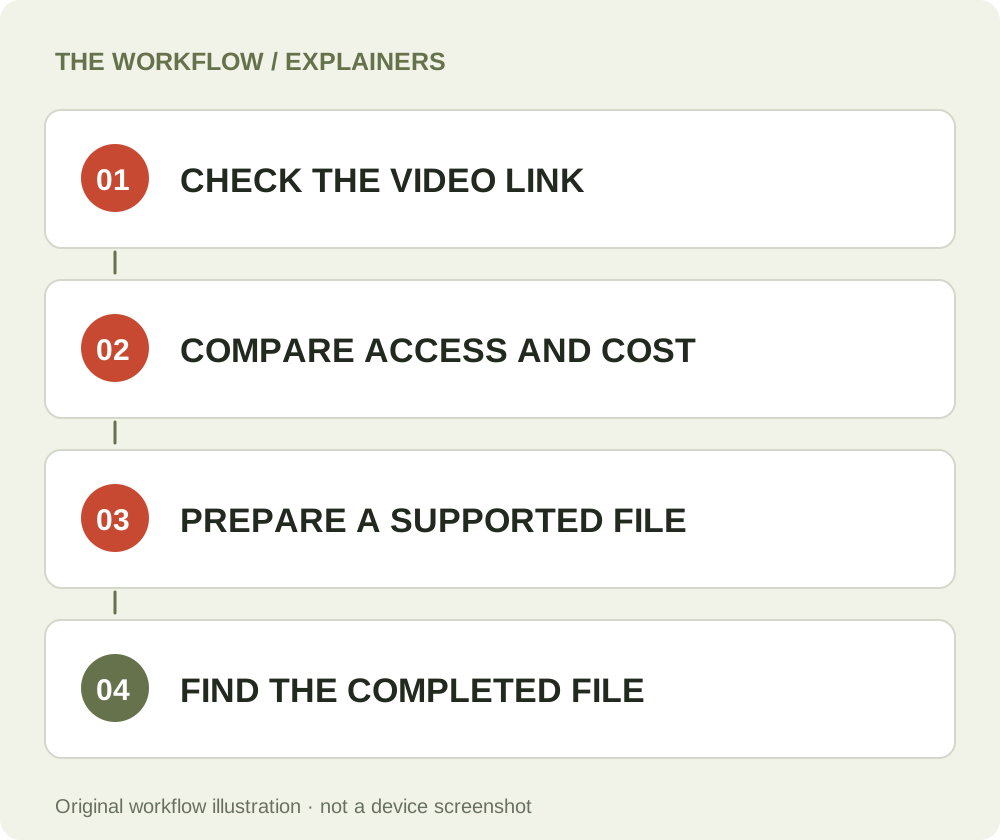
First, open the individual video and copy its complete sharing address. Second, open the relevant tool page, sign in as requested and paste the address. Third, submit the task and wait for the preparation result. When a download action appears, use it and keep track of the browser transfer. A message that preparation succeeded means a file was made available; it does not by itself prove that the browser saved the entire file to your device.
Once the browser says the transfer is complete, open the saved item from your downloads list or file manager. Check the beginning, sound and ending in a compatible player. If the result is not where you expected, use your browser's show-in-folder or download-location options. Retain the original source link in your own notes if you may need to identify the source later, but do not put passwords or payment details in a support message.
For a problem at the preparation stage, the troubleshooting guide helps separate an unsupported source from a browser saving problem. If the transfer is incomplete, an interrupted network connection or a cancelled browser download calls for a different check from a failure reported before a file was ready. Identify the stage first so you do not repeatedly perform the wrong step.
How to choose for repeated work
If you save an occasional supported source, a browser form may be the simplest way to avoid maintaining another installed application. If you repeatedly perform local editing and a verified app provides a feature you need, evaluate its current publisher information, compatibility and costs. Test the full path with a suitable source before committing to a recurring purchase: copy the link, prepare the output, find the file and open it in your intended player or editor.
Consider who needs access to the results and which account owns the service history. Account access and files stored on your device are separate things: changing browsers may not move local files, and changing Google accounts may not display the same purchase history. Keep track of the account used for the service and the location where each completed file was saved.
The best choice is the one that produces the required supported output under terms you understand. Use content you have rights to save and use, and check the terms and refunds page for this site's conditions. A tool name, a free-install label or a high-resolution claim is not a substitute for verifying the specific file and workflow you need.
Questions about this guide
Are YouTube video downloader apps always free?
No. Installation, basic use and particular output features can have different conditions. Check the current price, access limits and renewal terms before choosing.
Does an online tool need to be installed?
A browser-based tool normally runs from its website without a separate downloader app. It still needs an internet connection and any account access required by the service.
Where does a downloaded file go on my phone?
Check your browser download list and your device file manager. On iPhone, Apple identifies the Downloads folder in Files; Android locations vary by device and browser.
Is YouTube offline viewing the same as saving an MP4?
No. YouTube describes offline viewing within its service, subject to availability and account conditions. That should not be assumed to produce a transferable MP4 file.
YT Video Downloader
Use the relevant tool or troubleshooting reference when you are ready to continue.
Open YT Video DownloaderAbout this guide
Published November 6, 2026; reviewed November 6, 2026. Sources are linked beside the relevant explanations. Reviewed linked Google and Apple support instructions and current site access information on November 6, 2026. No physical-device test or comparison of specific third-party apps is claimed. Illustrations explain the workflow and are not presented as device screenshots.