Choose the guide that matches your next step
These guides follow a practical route from a video link to a saved file. Start with the device you use if you want a complete walkthrough. Choose troubleshooting when a particular step has already failed. Open an explainer when the question concerns formats, quality, permissions, or the meaning of a downloaded file. Each article has its own focus so you can go directly to the answer rather than reading several versions of the same general instructions.
The YT Video Downloader remains the place to prepare a supported source. This collection explains the surrounding decisions: which address to copy, what a browser save means, where the result can be found, and how to check it afterward. Use the article for its explanation and the tool for the actual request. A guide does not start a processing job merely because you open it, and you do not need to sign in just to read the collection.
Start with a device walkthrough
The iPhone guide concentrates on Safari, Files, and the separate question of importing a compatible video into Photos. The Android guide follows browser downloading into a file-management application and explains why Gallery can show a different collection. Those are different tasks even though both begin with a shared video link. Choose the page for your device rather than assuming all mobile saving controls work alike.
The PC and Mac walkthrough covers the desktop route, including selecting a destination and revealing a completed item in a real folder. If you use more than one device, keep the source note and final filename recognizable on each. A browser profile or storage preference on one computer does not determine where another computer saves a file. The device articles give you a starting point for that environment, not a promise that every operating-system version has identical menus.
Treat preparation and downloading as separate stages
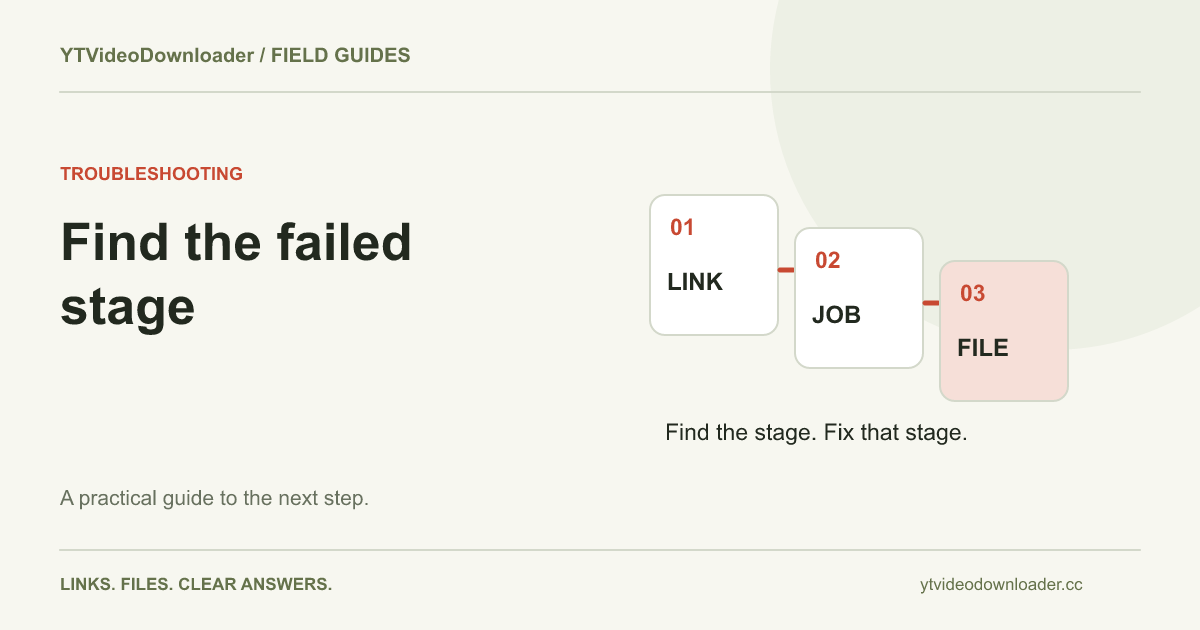
A processing website first needs to prepare a supported file. Only after a result is available can the browser transfer it to your storage. If preparation fails, searching the device's folders will not create a missing result. If preparation succeeds but the transfer is interrupted, repeating the initial request is not always the next useful action. The download-failed guide walks through those boundaries and the evidence each one produces.
This distinction also improves support requests. Report the last completed stage and the exact message rather than describing every symptom as a broken downloader. A malformed address, an unavailable source, a busy service, and a canceled local save require different responses. The existing troubleshooting center remains the central reference for service messages. Use the focused article when you want the longer reasoning behind how to locate a failure and decide what to check next.
Find the file before preparing another copy
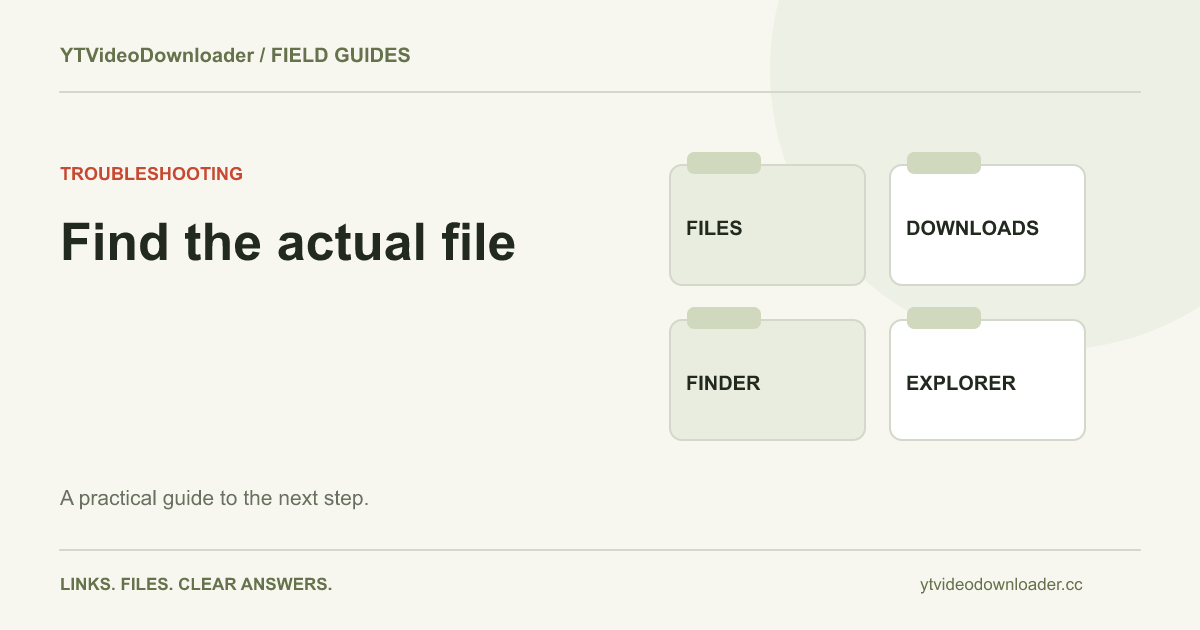
The download-location guide separates browser history, local folders, cloud locations, application-managed offline items, and temporary service links. Those places can contain related records without containing the same thing. A ready task in an account does not mean a permanent MP4 is stored there, while a browser entry can point to an item that has been moved after saving. Identify the relevant record before concluding that the source must be processed again.
For repeat projects, choose a folder and naming pattern before the downloads list fills up. Open the completed MP4 once to check that it is the intended video. Keep the source URL in a project note if you need to identify it later. These organization steps are local-device work. They do not require another processing request merely because you want a clearer name or a different folder for a file you already possess.
Follow short-form links with the same care
The Shorts phone guide explains how to start from one Short, prepare a supported MP4, and locate its saved copy. A creator profile or a feed is not necessarily the address of the clip you intended. Copy the individual link and verify the result after saving. The YouTube Shorts downloader provides the corresponding tool entry, while the article explains the phone-specific parts of the workflow.
Vertical presentation introduces its own viewing questions. A portrait video inside a wide player can have space around it without being damaged. An editing application can also crop or zoom a complete frame according to its own canvas settings. Inspect the actual picture before assuming that a different download is necessary. The collection connects that practical problem to format and quality explanations rather than promising a redesigned or watermark-free version of every source.
Understand the result you are opening
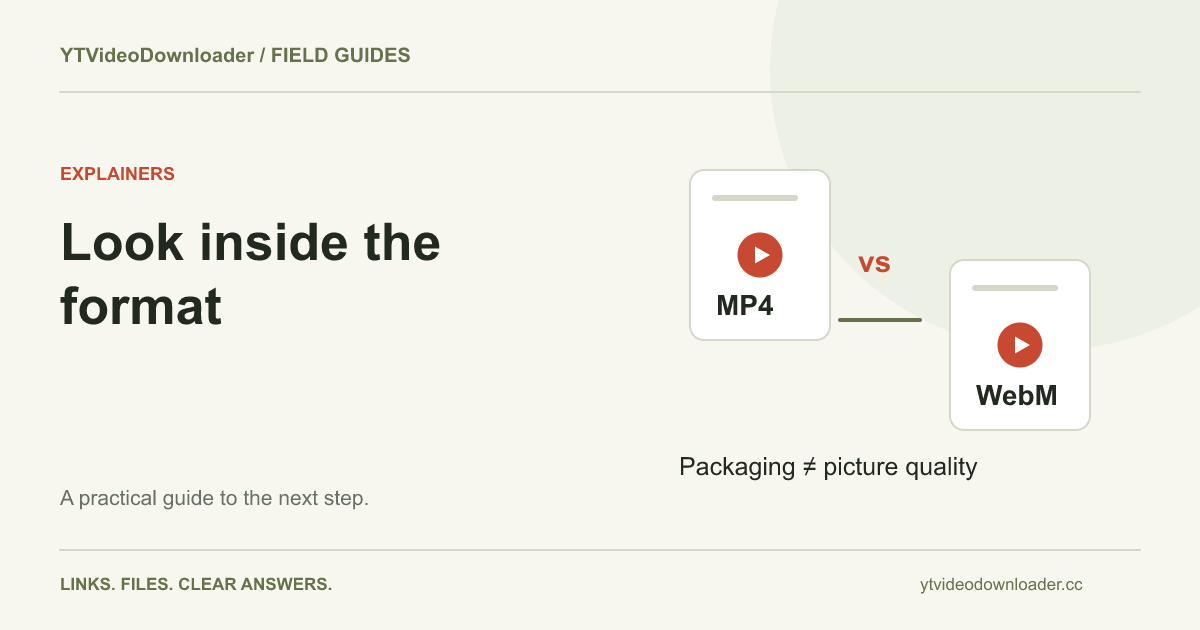
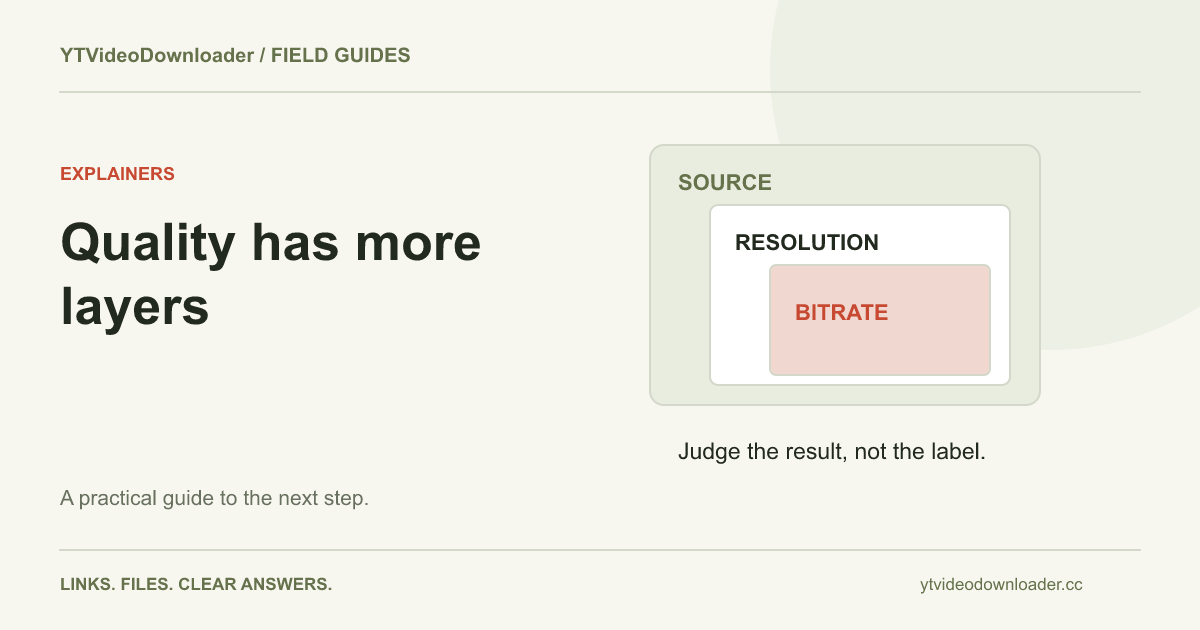
The MP4 versus WebM comparison explains why a container name does not establish all of a file's track properties. The quality and size guide separates resolution, bitrate, compression, duration, and source detail. Together they help turn a vague request for a better file into concrete requirements, such as readable presentation text or compatibility with a particular receiving application.
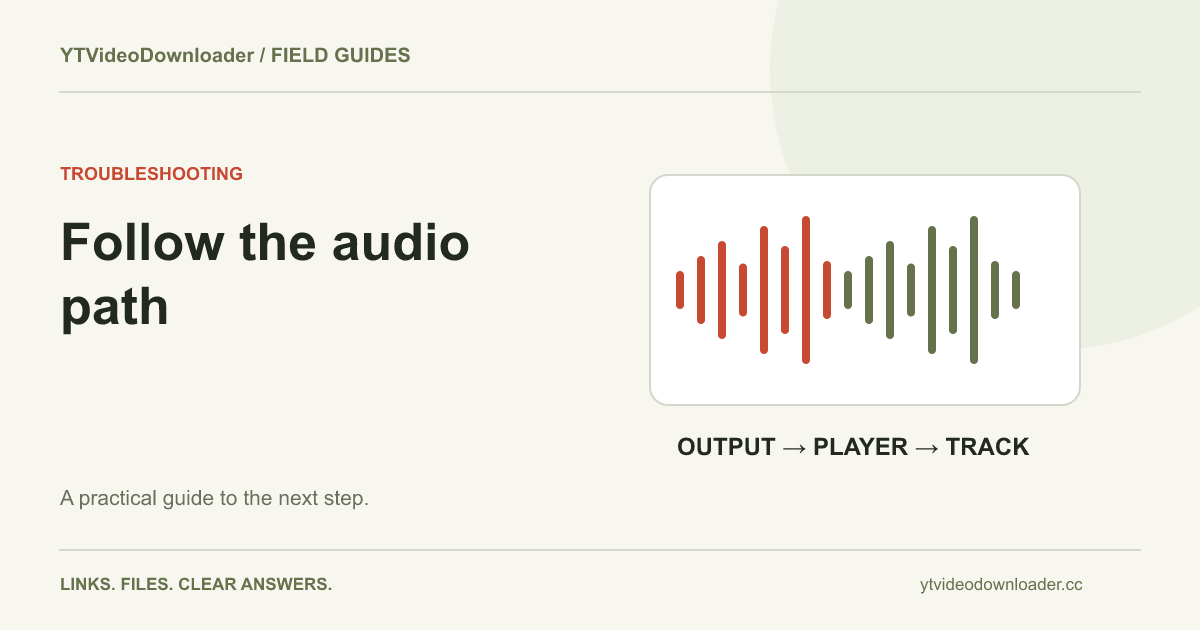
If the picture plays but sound is missing, use the audio checklist to compare volume, output routing, track presence, and player support. That is a different investigation from a URL rejected before preparation. Keep an unmodified original while testing other applications or editing exports. Clearly named working copies and a short description of what changed make a problem easier to reproduce than several files with almost identical names and no record of their origin.
Review the source and the available service
The permissions guide considers your own uploads, creator permission, licensing, and platform conditions. It is a practical explanation rather than a decision about every possible use or jurisdiction. Know which source you have chosen and what you intend to do with its contents. Technical success at saving a file does not itself supply a content license, and a processing problem does not by itself answer a legal question.
For repeated use of the tool, the pricing page explains trial requests, planned one-time credit packages, current checkout availability, and what successful preparation means. Articles do not change those service conditions or unlock additional export presets. Read the relevant package and delivery information when you need it, then return to a supported task. If a guide or tool result leaves a specific question unresolved, use the published support contact with the exact step and message rather than sending credentials or unrelated private files.