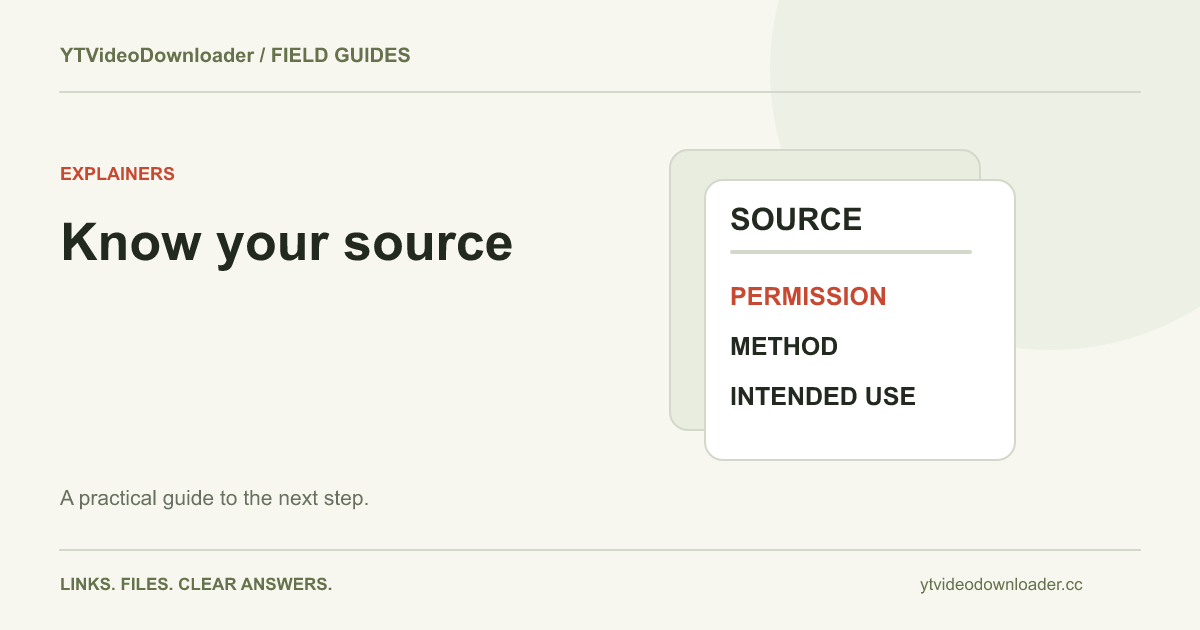
Whether it is legal to download YouTube videos depends on the content, the permission or legal basis for copying it, your intended use, and the rules that apply where you are. A download button or a working converter is not a license. Start by separating three questions: may you obtain the file, may you use its contents, and does the platform permit the method you plan to use? This guide explains practical checks rather than giving a universal yes or no.
Your own uploads are the clearest starting point
If you created and uploaded a video, start with the account that controls that upload. YouTube provides an official route for downloading videos you uploaded. That route is useful when you need an available copy of your own published work. Keep original camera recordings and editing projects separately when possible; a downloaded publication copy is not necessarily the original production master.
Ownership of an upload account does not always resolve every underlying right. A business video might include licensed music, a contractor's animation, a stock image, or footage supplied for a particular campaign. Check those agreements if the next use is different from the original publication. For example, archiving a company presentation and selling part of its soundtrack are different acts. A practical rights record explains both who controls the video and what components or uses have separate conditions.
Ask what permission actually covers
Creator permission is most useful when it identifies the work and the intended action. “You may download this clip for the workshop on Friday” is more specific than a general friendly exchange. If you need to edit, redistribute, translate, use commercially, or include the clip in a public presentation, ask about that use rather than assuming permission to save includes all of it.
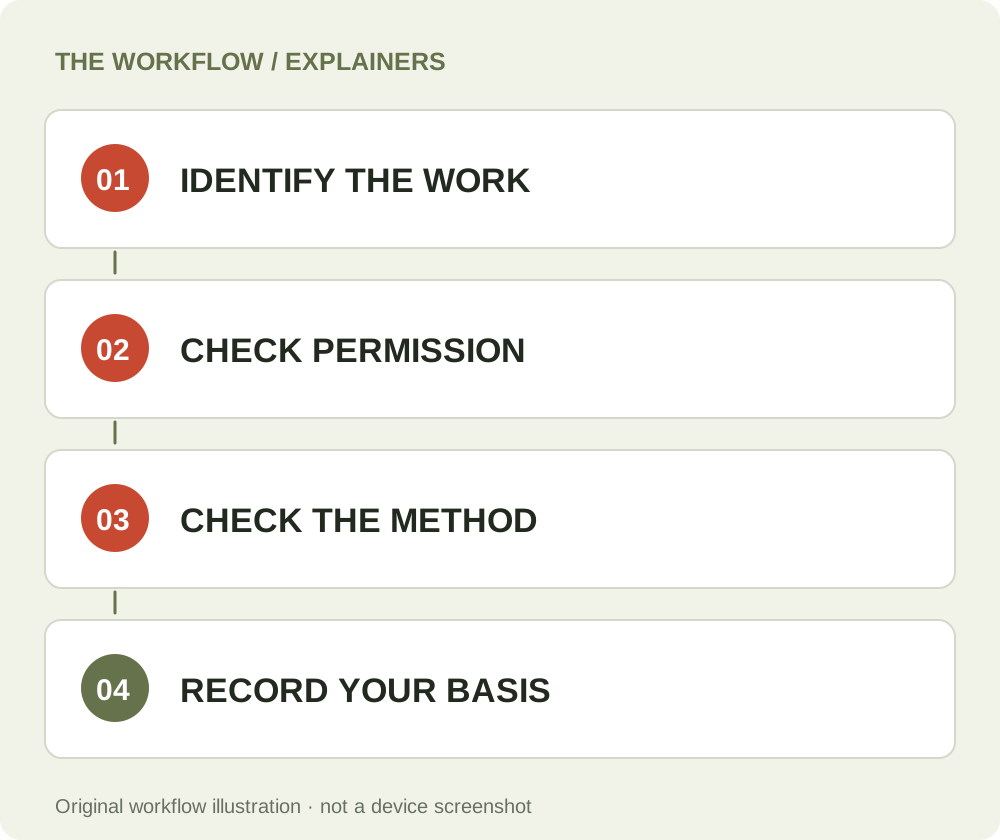
Keep the permission with the source URL and the date you obtained it. An email, license document, or published download statement may help explain the basis on which you acted. This is a recordkeeping suggestion, not a promise that any particular message establishes an enforceable license. Confirm that the person granting permission controls the rights involved. A reposting account cannot necessarily authorize copying a video owned by someone else, and a creator may not control every piece of third-party material included in their upload.
Understand a Creative Commons label
A Creative Commons label can provide a defined reuse permission, but it needs to be read rather than treated as a synonym for unrestricted. YouTube's license explanation distinguishes its standard license from the Creative Commons Attribution option. Where a valid CC BY license applies, attribution and the other license conditions matter. Verify the license associated with the particular work instead of assuming that every video on a channel has identical terms.
The Creative Commons CC BY 4.0 license summary explains requirements such as credit, a license link, and identifying changes. Check which license version actually applies to your source. Also consider material inside the video that may not be covered by the uploader's license, such as a separately licensed photograph or a recognizable person's likeness. A license analysis should match the specific work and use. It is not resolved by adding “credit to the owner” without identifying a valid permission.
Platform rules and copyright are separate questions
A copyright owner's authorization and a platform's conditions can address different relationships. Before choosing a method, review the applicable YouTube terms. Do not assume that a third-party service's ability to retrieve a source demonstrates approval from YouTube. Likewise, payment to a converter buys a processing service; it does not purchase rights in the video or create a platform exemption.
This distinction is useful even for a straightforward project. You might have permission to use a supplied video while the best delivery method is a file sent directly by the creator. Asking for that original can also avoid quality loss and unnecessary processing. If a platform provides an authorized download or export function for your situation, inspect that route first. The practical goal is to obtain a usable file through a method appropriate to your rights and requirements, not to infer permission from technical success.
Offline viewing is not the same as an exported MP4
An offline feature inside an application can allow viewing without producing a reusable video file in your chosen folder. Access, renewal checks, device behavior, and other conditions depend on the service. Treat an app-managed offline copy and a local MP4 as different products. YouTube's offline-viewing FAQ is the appropriate reference for its own offline feature.
If your actual need is an editable asset or a file to move between devices, decide that before selecting a workflow. A local-file requirement still needs an appropriate permission or other lawful basis. The download location guide explains how browser files differ from app-managed items. Renaming a shortcut, copying a streaming address into a document, or paying for a viewing subscription does not automatically turn that access into an exported file with independent reuse rights.
Personal use and education are not universal exceptions
People often ask whether “only for myself” or “for a class” settles the question. It does not create a universal rule across countries and circumstances. Legal exceptions have conditions. In the United States, the Copyright Office describes a case-specific fair-use analysis involving purpose, the work's nature, the amount used, and market effect. Educational or noncommercial context can matter without deciding the outcome alone.
Avoid relying on supposed safe percentages or a fixed number of seconds. A short but central extract and a longer background passage can raise different questions. Public posting, internal review, criticism, and making replacement copies can also have different consequences. This article cannot determine whether a particular project qualifies for an exception. If the planned use is important to a business, publication, or dispute, obtain advice appropriate to the jurisdiction and facts rather than using a downloader article as a legal opinion.
Build a small source and permission record
For a project with several clips, keep a simple record for each one: source title, creator, original URL, date accessed, permission or license reference, intended use, and required attribution. Add notes about edits or restrictions that affect your planned publication. Store the relevant evidence with the project, not only in a browser bookmark that may disappear when the source changes.
This record helps distinguish two similarly named files and keeps permissions attached to the actual material. It can also reveal a mismatch early: perhaps a source is licensed for a classroom presentation but not a paid advertisement. If you cannot identify a basis for the intended use, ask the rights holder or choose another source. Recordkeeping does not legalize an unauthorized action; its value is making the decision and its supporting information explicit before work has been distributed.
What YT Video Downloader provides
YT Video Downloader prepares supported sources as MP4 files and offers temporary delivery of completed results. It does not sell source-content licenses, certify ownership, or grant permission on behalf of a creator. The service terms describe user responsibilities, processing delivery, and the refund policy. The privacy policy explains information used in processing, accounts, payments, and support.
If you have an appropriate source and need help saving a supported file, use the YouTube to MP4 guide or the device article that matches your browser. Keep the legal and technical questions separate: a processing error does not establish that your use is unlawful, and a successful result does not establish that it is permitted. Assess the source and use first, then select a workflow that can deliver the file you need.
Copyright questions and complaints
Rights holders and authorized representatives can contact support@ytvideodownloader.cc using the copyright complaint instructions. Identify the work, the affected service link or job reference, your authority to report it, and a contact method. Specific information helps locate a temporary result or related record. Do not include unrelated credentials or private customer information in a complaint.
We may review a report and take appropriate action under the service terms. The existence of this article or a complaint mailbox does not itself establish a statutory safe harbor; those protections have their own conditions, as the U.S. Copyright Office explains. For users, the useful habit is simpler: know what you are downloading, know why you may use it, preserve the relevant permission, and ask when the planned use falls outside what has actually been granted.
Questions about this guide
Does paying for processing give me rights to a video?
No. A processing purchase does not transfer ownership or grant a license from the creator or source platform.
Is personal use always permitted?
There is no universal rule covering every country and situation. Permission, applicable exceptions and platform conditions need to be considered for the actual use.
Where can a rights holder send a complaint?
Use the copyright contact and instructions in the service terms, including the affected work, service reference and authority to report it.
YT Video Downloader
Use the relevant tool or troubleshooting reference when you are ready to continue.
Open YT Video DownloaderAbout this guide
Published and reviewed on November 3, 2026. Sources are linked beside the relevant explanations. Editorial and source review; physical mobile-device testing is not claimed. Illustrations explain the workflow and are not presented as device screenshots.