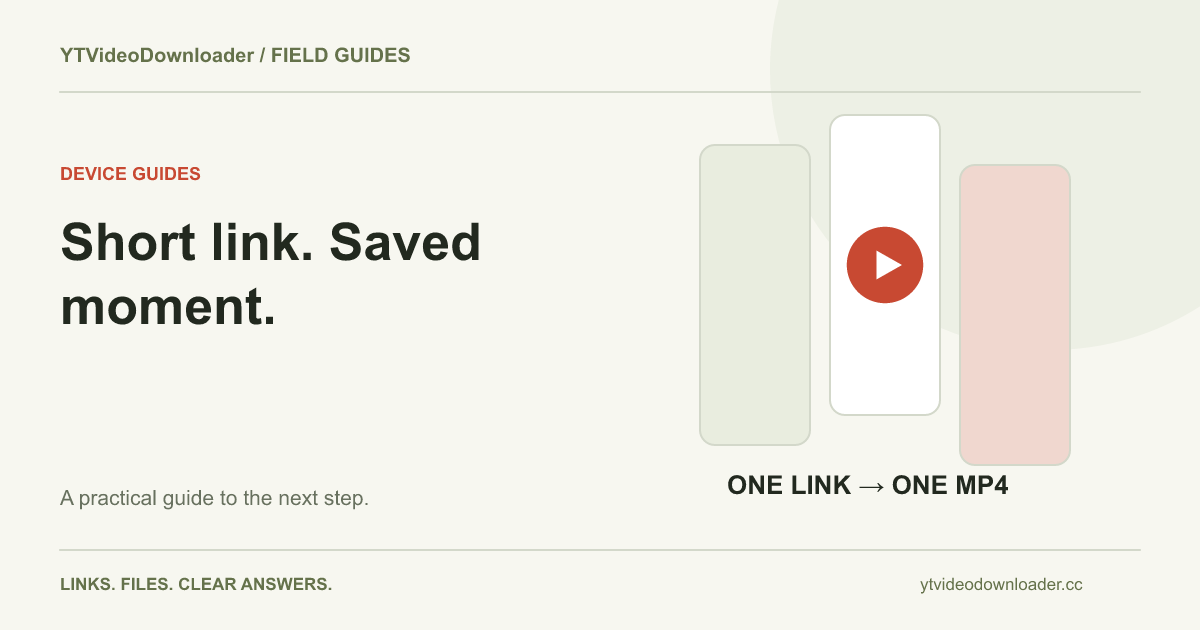
To save YouTube Shorts on your phone as an MP4, copy the link to one Short, paste it into the YouTube Shorts downloader, and save the prepared result through your browser. Afterward, locate the file before assuming it was added to Photos or Gallery. A Short is a video source with a particular viewing layout; the browser still needs to complete a normal file download. This guide focuses on that phone workflow rather than bulk exporting a channel.
Copy the address of the Short you want
Start with the individual Short and use its share action to copy a link. A creator's profile page or a Shorts feed does not necessarily identify the single clip you intended. If you copied a message from another application, separate the URL from any surrounding title, punctuation, or explanation before using it in the downloader field.
A Shorts address commonly contains a shorts path and a video identifier. A shared youtu.be or ordinary watch address can also identify the same source. You do not need to rewrite the identifier by hand simply because a link came from a phone. Check which video the copied link opens, then return to the tool. The download-failed guide explains why an input problem should be corrected before changing storage folders or trying another browser.
Use a full browser for a clear workflow
Open Safari, Chrome, or your usual browser directly and visit the Shorts page. Keeping the process in a full browser makes the status and later download entry easier to follow than a small embedded window inside a social application. Paste the link into the form, review it, and select Prepare MP4 once.
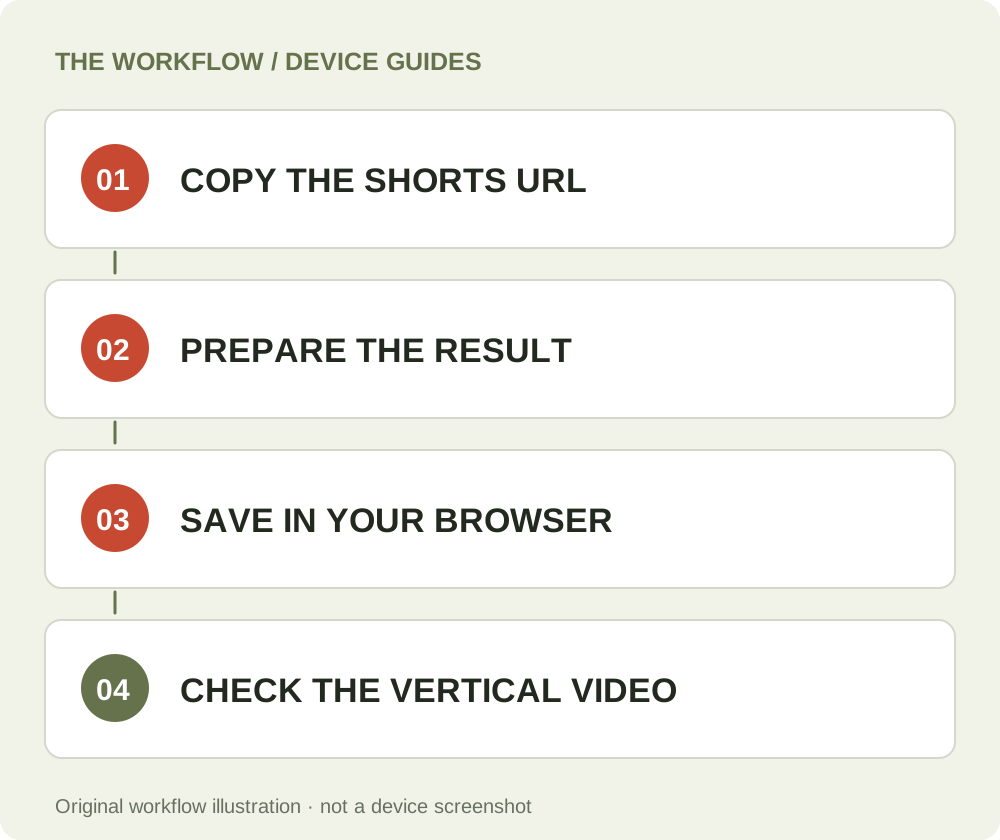
Stay with the request while the service prepares a supported result. A short source is not a guarantee of immediate preparation or an exemption from the current service conditions. If the page reports a busy or unavailable result, read that message rather than repeatedly tapping the button. Once Download MP4 appears, move to the saving step. Opening the homepage or MP4 landing page in another tab does not create an independent allowance or a second processing service for the same phone.
Save the prepared file on iPhone
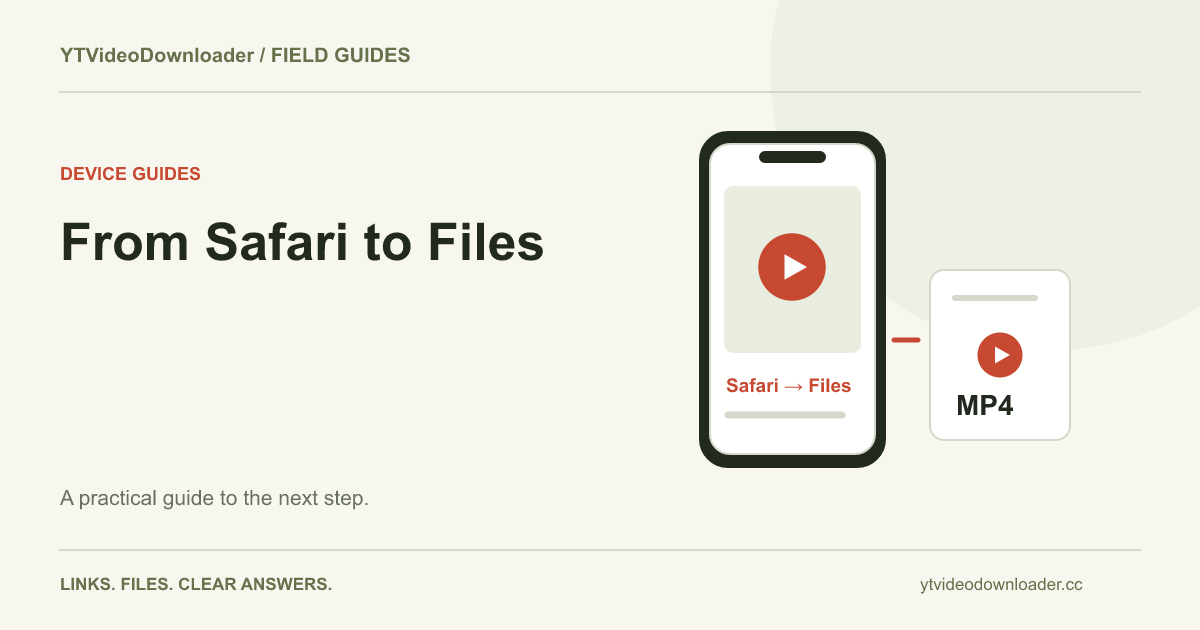
On iPhone, follow Safari's download or saving action after selecting the result. A preview inside the browser is not by itself a confirmed import into Photos. Let the transfer finish and locate the browser file first. Apple's download-location guide explains where to look in Files and Safari's download list.
If you want a compatible file in Photos, inspect the saved item's available share actions and use Save Video when the device offers it. If that action is missing, investigate format compatibility or the destination application rather than deleting the original. The full iPhone walkthrough explains the distinction between browser storage, Files, and the photo library. Keep the playable MP4 until you have confirmed that any imported copy is present and usable.
Save the prepared file on Android
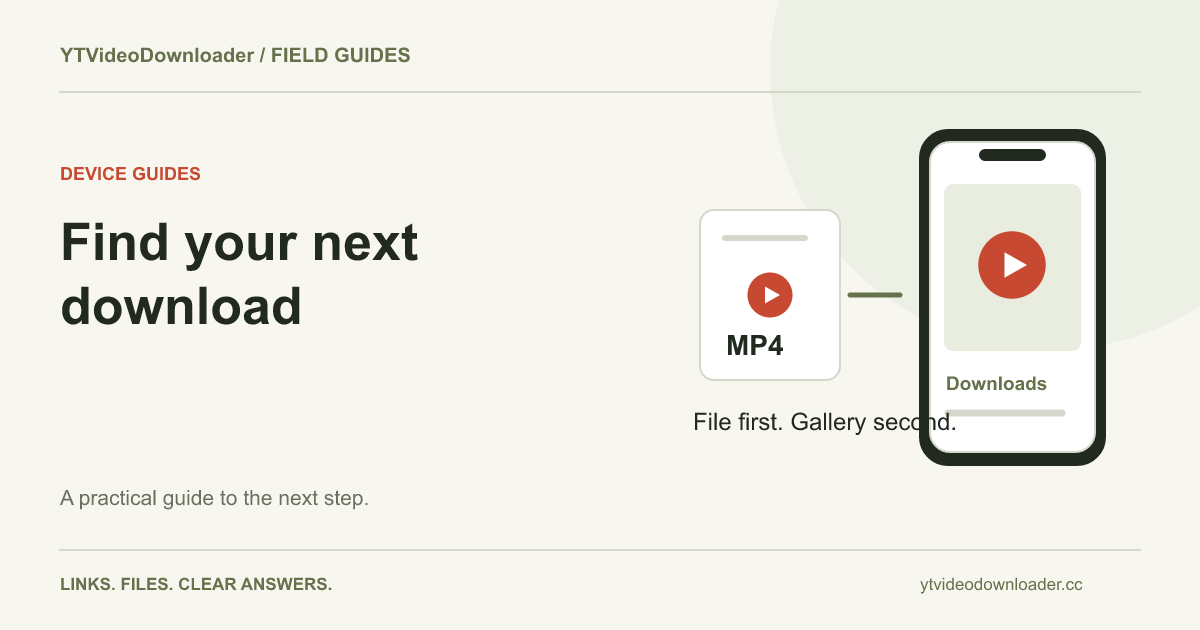
On Android, use the browser's download action and inspect its completed entry before opening a gallery application. A file manager is often the more direct way to establish that the MP4 exists. The browser may show a destination prompt or use its configured location, so check the settings actually in use on that phone.
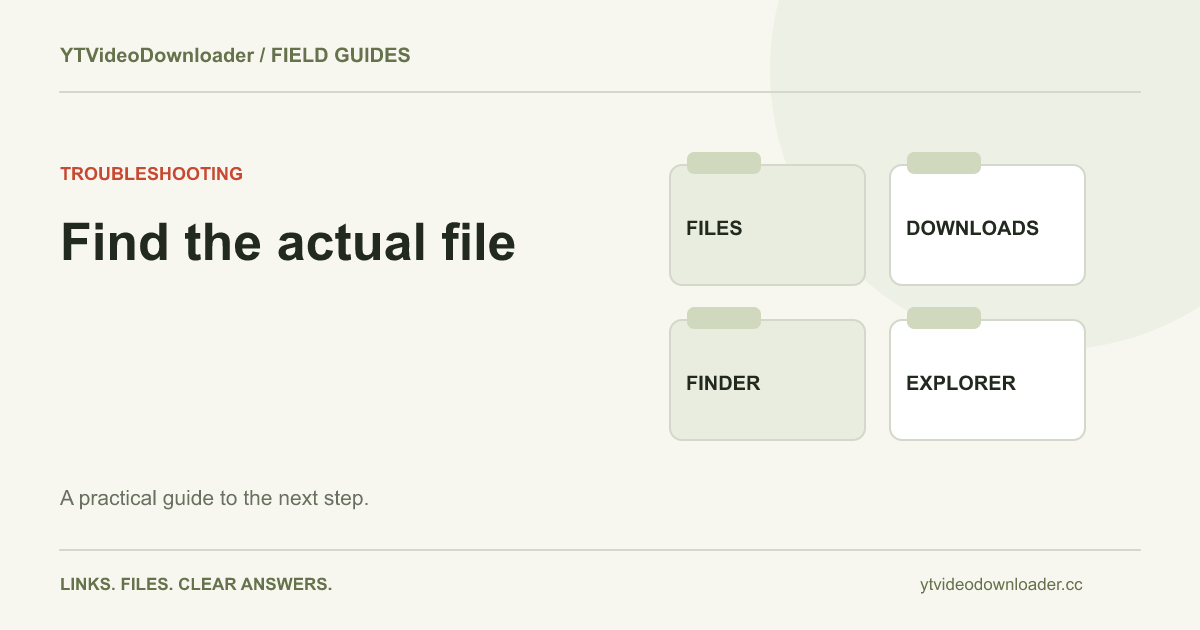
Google's Android file guidance describes finding downloaded files. A manufacturer may use a differently named file-management app, while a gallery may show only selected folders or indexed media. If the file plays from storage but is absent from Gallery, the transfer and the gallery's display are separate issues. Use the Android download guide for the longer walkthrough. Do not create several processing requests simply because your preferred media app has not displayed the first file yet.
Preserve the video's shape when viewing it
A vertical Short can appear with empty space at the sides of a wide player window. That does not automatically show that the saved file has been cropped or damaged. Compare the picture itself, not only the shape of the surrounding screen. A player's fill or zoom mode can crop an image to cover its window; a fit mode can show the complete frame with space around it.
If you are importing the video into an editing project, check that project's canvas and scaling settings separately. The downloader prepares a supported MP4 rather than redesigning the Short for a new platform or guaranteeing a particular export preset. Retain the unmodified file before making edits. If a frame appears cut off only in one application, inspect that application's display settings before deciding that another download is needed. The video-quality guide explains why picture dimensions and output quality are related but different properties.
A short duration does not define file size
Duration alone does not tell you how large an encoded video will be. Image detail, frame rate, bitrate, audio, and compression all affect the resulting file. A moving scene with fine detail can require more data than a visually simple clip of the same length. The word Shorts describes a viewing and publishing format, not a universal file-size promise.
Use the currently supported processing information on the pricing page when deciding whether the service fits a source. It describes allowance and delivery conditions; buying credits when available does not imply an unlimited file size or an automatic higher-resolution setting. This page also does not offer watermark removal. Marks already present in a source should not be assumed to disappear merely because the video is saved as MP4. Evaluate the actual result rather than relying on a format label to promise an edited version.
Verify the local result before closing the tab
After the transfer completes, open the MP4 and check that it is the Short you selected. Review a section of picture and sound, then give it a recognizable filename. If you are saving several clips for a project, use a folder or naming pattern that keeps their subjects and sources clear. A brief note with the original link is helpful when different videos have similar titles.
Complete that local check while the result link is still available. Temporary delivery gives you an opportunity to save, not permanent hosting of the video. Reopening an old tab later may lead to an expired result even though the original preparation succeeded. The file-location guide explains how to distinguish a missing local copy from an expired service link. A history record, a browser bookmark, and a saved MP4 are three different things.
Fix the specific issue rather than changing every setting
If the address is rejected, verify the copied link. If preparation fails, note the service's message and whether the source remains available. If a transfer is interrupted, inspect the browser's download entry and local storage. If a completed file plays silently, use the audio troubleshooting guide to compare output devices and players before preparing the same source again.
Changing all of those variables at once makes it difficult to learn which action helped. Make one appropriate correction, retain the original evidence, and test the relevant stage. For support, include your phone's operating system, browser, approximate time, the exact message, and whether a local MP4 was created. Use account or job references where relevant, without sending passwords or source-platform cookies. The general troubleshooting center provides the broader reference for service messages.
Keep rights and technical steps separate
Saving a file does not grant permission to publish or reuse everything inside it. Choose a source appropriate to your rights and intended use; the permissions guide explains the distinction between obtaining a copy, content licensing, and platform conditions. The phone steps here describe where a supported file goes, not a rights-clearance service.
This article's device instructions are checked against the cited documentation, not presented as a physical iPhone or Android test. Its diagrams illustrate the route from shared link to prepared file and local storage. When your source and destination are ready, use the YouTube Shorts downloader and finish one clip before starting another. That sequence makes the saved result easier to verify and reduces the chance of confusing several similar tabs or files.
Questions about this guide
Will the MP4 automatically appear in my photo library?
Not necessarily. Verify the browser file first, then use the destination application’s supported import controls.
Does this remove a watermark?
No watermark-removal control is offered. Do not assume marks in a source disappear because it is prepared as MP4.
Can I export a whole Shorts channel here?
The current tool follows one supported video link at a time and does not provide a bulk channel-export queue.
YouTube Shorts downloader
Use the relevant tool or troubleshooting reference when you are ready to continue.
Open YouTube Shorts downloaderAbout this guide
Published and reviewed on November 3, 2026. Sources are linked beside the relevant explanations. Editorial and source review; physical mobile-device testing is not claimed. Illustrations explain the workflow and are not presented as device screenshots.